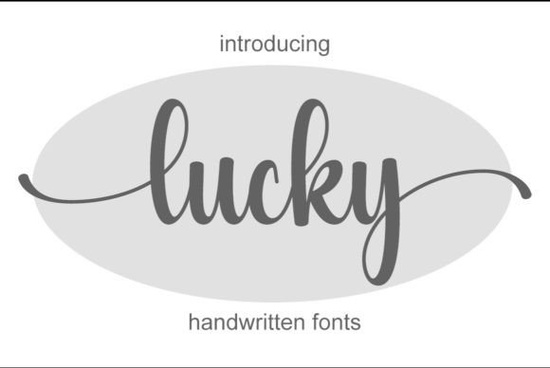
If you’ve been searching for a handwritten font that feels personal but still polished, Lucky Font might be exactly what your next project needs. It’s light, elegant, and just delicate enough to add charm without overwhelming your layout. Whether you’re designing wedding invitations, branding materials, or social media graphics, this script font adapts well across different uses and it’s surprisingly easy to work with thanks to its PUA encoding.
What makes Lucky stand out is how naturally the letters flow together. You’re not stuck with stiff, uniform characters instead, you get subtle variations that mimic real handwriting. That’s especially helpful if you want your designs to feel warm and approachable. And because all the alternates and glyphs are accessible right from your design software (no extra plugins needed), customizing your text becomes quick and intuitive.
Who should use Lucky Font?
This font works beautifully for:
- Small business owners creating logos or packaging that need a friendly, handcrafted vibe.
- Print-on-demand sellers looking for something unique to set their mugs, shirts, or tote bags apart.
- Crafters and hobbyists making greeting cards, scrapbook layouts, or vinyl decals.
- Wedding designers who want elegant invitation suites without going overly ornate.
- Social media creators aiming for eye-catching quotes or promotional posts that still feel authentic.
It pairs especially well with clean sans-serifs or minimal serif fonts when you need contrast. For example, try combining it with something like Casual Handwriting for layered quotes, or keep it solo on a textured background for that “hand-lettered” look everyone loves.
How does PUA encoding help me?
PUA stands for Private Use Area basically, it means all the special characters, swashes, and alternate letterforms are built into the font file and ready to use. No digging through glyph panels or installing extra files. In programs like Adobe Illustrator, Photoshop, or even Canva (with some limitations), you can toggle between letter variations using your keyboard or the OpenType panel.
That’s a big time-saver if you’re tweaking headlines or names and want each one to feel slightly unique. Think of it like having multiple versions of the same letter baked in perfect for avoiding that robotic, repetitive look.
What else pairs well with Lucky?
If you like the gentle curves of Lucky but want to explore similar styles, here are a few Creative Fabrica favorites that complement it nicely:
- Saturday Font slightly bolder with more bounce, great for casual branding.
- Winky Swing playful and energetic, ideal for kids’ products or fun event posters.
- Rainbow Font colorful and whimsical, perfect for summer themes or crafty projects.
- Vintage Postman nostalgic and rustic, adds character to labels or retro designs.
You can also check out Lucky Font directly on Creative Fabrica to see previews, download samples, or grab licensing details for commercial use.
Can I use this for client work or POD platforms?
Yes as long as you follow the license terms (which typically allow unlimited commercial use for most Creative Fabrica Standard License fonts), you’re free to use Lucky Font in client projects, Etsy shops, Redbubble uploads, or print runs. Just make sure you’re not redistributing the font file itself or claiming you designed it.
A quick tip: always test your final exported files to ensure the alternates and ligatures display correctly across different printers or platforms. Some systems don’t fully support OpenType features, so converting text to outlines before exporting can save headaches later.
Any styling tips to make the most of it?
Absolutely. Here’s what tends to work best:
- Use sparingly. Lucky shines in headlines, names, or short phrases not body text.
- Add breathing room. Increase letter spacing slightly if the script feels too tight.
- Layer with texture. Try placing it over watercolor backgrounds, kraft paper, or linen textures to enhance the handmade feel.
- Mix weights creatively. If available, pair the regular style with a bold version for contrast in the same design.
And don’t forget sometimes less is more. A single word in Lucky Font centered on a blank card or minimalist poster can say more than a full paragraph of styled text.
Next step: Download the trial version (if available), type out your project’s key phrase, and see how it feels. Does it match the tone you’re going for? If yes, you’ve just found your new go-to script.
Get Started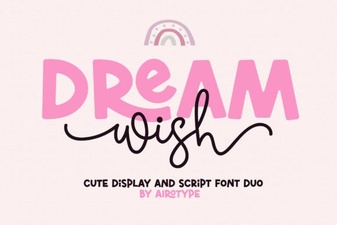 Dream Wish Font: Tips for Creative Design Projects
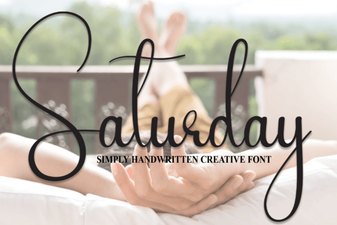 A Versatile Handwriting Font for Creative Projects
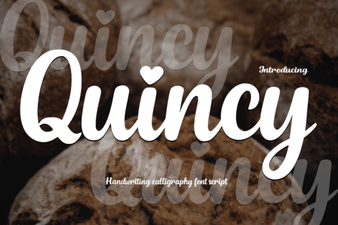 Discover Quincy Font: Creative Designs for Your Projects
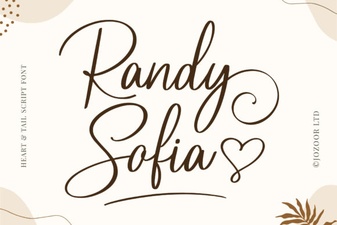 Randy Sofia Font: Download & Creative Uses
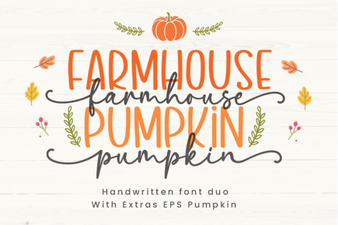 Crafting Fall Projects with Farmhouse Pumpkin Font
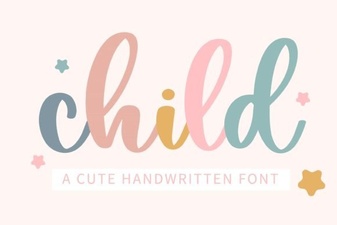 Child Fonts for Playful and Usable Design